


Beginner Picks: Easiest Apps to Start With
It’s important to remember that there isn’t a one-app solution for all your clutter. You’ll need to properly evaluate the kind of clutter you’re having trouble with the most, then pick the solution that can best address the problem.
Here are some of the most useful applications we’ve found for you to start with:
- Clutterfree: For step-by-step, room-by-room guidance with a personalized roadmap.
- Sweepy: Gamify chores to make even the smallest wins feel fun and motivating.
These applications combine intuitive design with practical features that easily fit into your daily routine. You can use one of these solutions to start with, then add other tools as needed.

The Best Decluttering Apps to Use on Your Phone or Computer
Here’s a quick overview of some of the most useful decluttering applications available for mobile or desktop:
| App name | Best for | Free option? | Platforms | Unique feature |
|---|---|---|---|---|
| Clutterfree | Beginners needing step-by-step guidance | Free trial, then paid | iOS, Android | Personalized decluttering roadmap |
| Tody | Creating cleaning schedules & routines | Free on Android, paid on iOS | iOS, Android | Visual progress tracking for chores |
| Sweepy | Gamifying cleaning tasks | Free trial, then paid | iOS, Android | Habit-building through streaks & challenges |
| Centriq | Organizing manuals & warranties | Yes | iOS, Android | Scan appliances to get manuals instantly |
| Sortly | Inventory & cataloging household items | Free tier + paid | iOS, Android, Web | QR code labeling for easy tracking |
| FlyLadyPlus | Building decluttering routines | Yes | iOS, Android | Zone-based cleaning system |
| OfferUp | Selling items locally | Yes | iOS, Android | Buy/sell in your local community |
| ThredUp | Decluttering wardrobes | Yes | iOS, Android, Web | Resell or donate clothes with prepaid bags |
| Clean Email | Decluttering your inbox | Free trial, then paid | iOS, Android, macOS, Web | Smart filters, bulk actions, and Auto Clean rules |
| Toss | Quick digital decluttering | Yes | iOS only | Swipe-based system for deleting clutter |
| Cleaning Schedule Chores Chart | Family chore management | Yes | iOS, Android | Shared schedules for group cleaning |
Best Apps to Use for Specific Kinds of Clutter
The best decluttering app can help supercharge your cleaning habits and prevent small messes from turning into big ones. By choosing tools tailored to your specific needs, you’ll find it easier to maintain a cleaner, more organized environment.
📌 Here are our top recommendations based on different kinds of clutter:
Personalized Decluttering Plans for Beginners
Clutterfree is a sleek task management app designed to reduce digital clutter. It offers customizable task prioritization and progress tracking. The minimalist interface helps users stay focused without feeling overwhelmed.
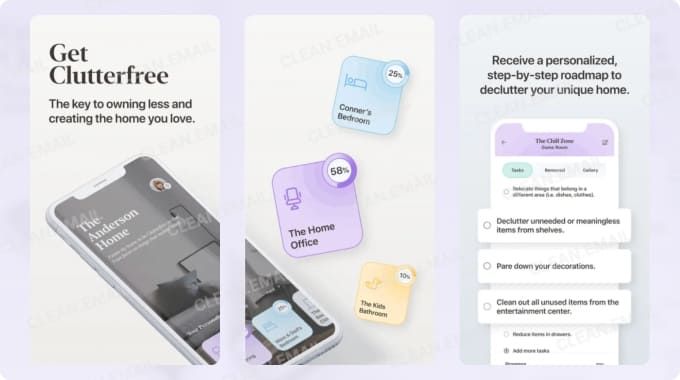
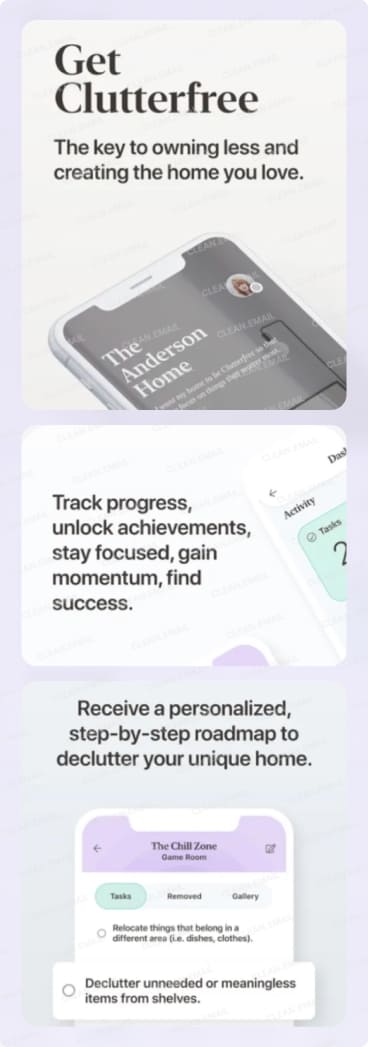
One of its standout features is its room-by-room personalized roadmap, which ensures each step of the decluttering process fits your specific home layout and priorities. It offers a free 14-day trial, followed by an affordable monthly plan.
Home Inventory & Organization
Sortly is a visual inventory management app that makes organizing personal or business items effortless. With features like custom labels and barcode scanning, users can quickly catalog their belongings.
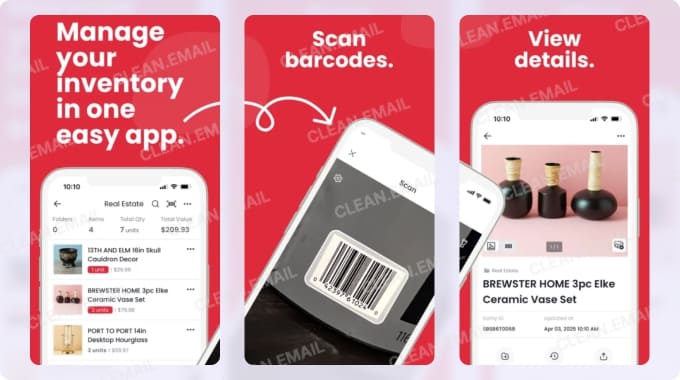
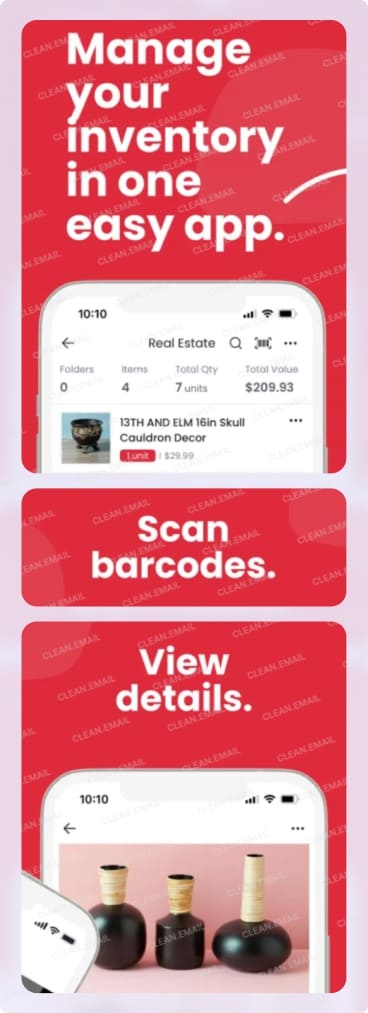
The app’s intuitive interface allows for easy categorization and tracking of items. Thanks to its cloud-based syncing, Sortly works across mobile, desktop, and tablet. It’s free to use, but in-app upgrades unlock advanced tracking, reporting features, and support.
On the other hand, Centriq is a home management app that helps users organize, maintain, and troubleshoot their household appliances and systems. By scanning product labels or model numbers, it automatically gives you access to manuals, warranties, and instructional videos.
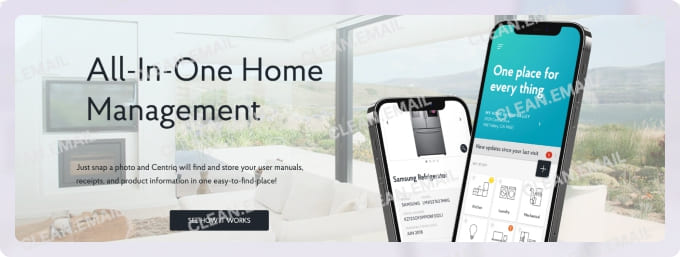
The app also sends reminders for routine maintenance, helping users stay on top of repairs and upkeep. With an easy-to-navigate interface and cross-device syncing, Centriq makes home management smarter and more efficient, saving both time and money. It’s also free to use, with an optional subscription for more advanced features.
Selling & Clearing Physical Clutter
If you’re looking for a quick way to sell the items you’ve decluttered, OfferUp remains a top choice. With its simple interface, users can quickly list and browse items, and the app's messaging system makes transactions smooth.
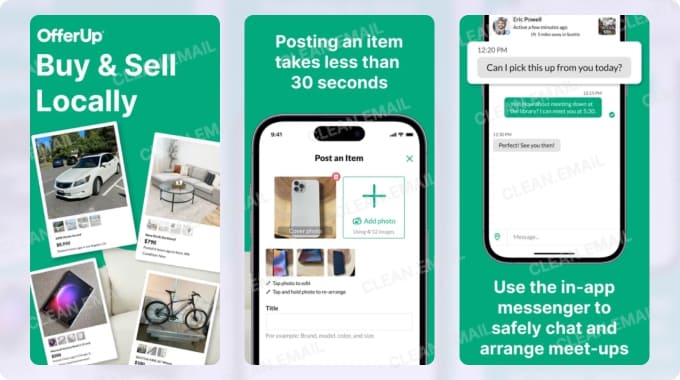
Whether you’re decluttering or thrifting secondhand goods, buying and selling is easy with OfferUp. Overall, the app offers a reliable platform for local commerce, handling everything from photo listings, meetups, and shipping.
Routine Building & Habits
FlyLadyPlus, one of the best free decluttering apps, helps users stay on top of daily cleaning and tasks with its customizable routines. The app breaks tasks into small, manageable steps.
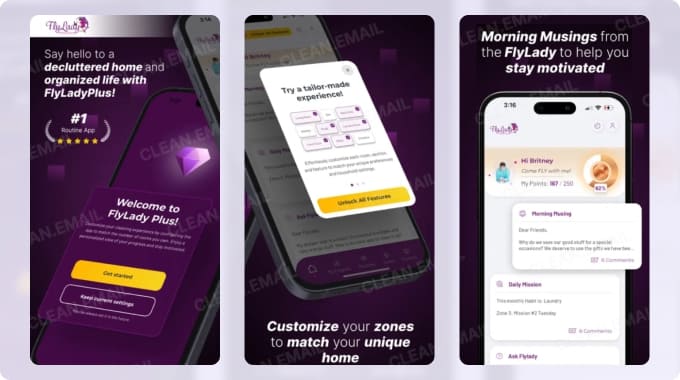
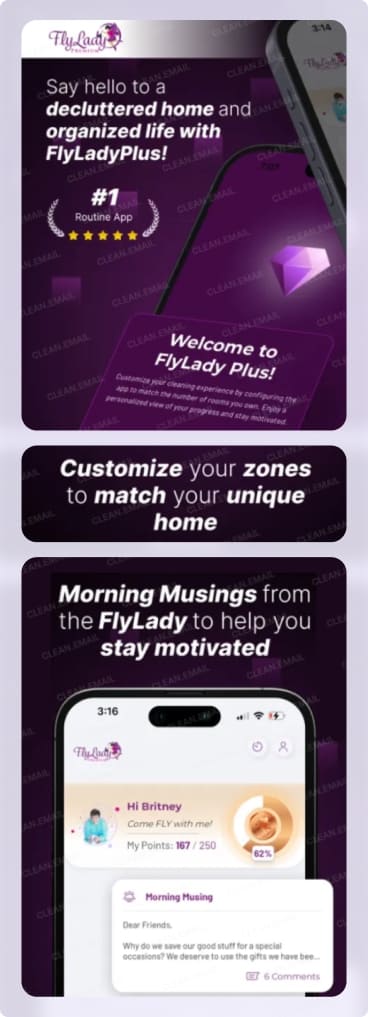
With morning, afternoon, and evening routines, reminders, and motivational tools, FlyLadyPlus helps users build lasting habits. The app’s friendly interface and clear structure (especially when creating zone-based routines) make it ideal for anyone looking to maintain a clean, organized space without feeling overwhelmed.
For busy mothers, Motivated Moms is a great chore planning app that helps home management feel lighter. The app provides a daily checklist system that keeps to-do lists organized and easy to follow. Its structured system turns overwhelming chores into small, achievable tasks, promoting consistent decluttering habits.
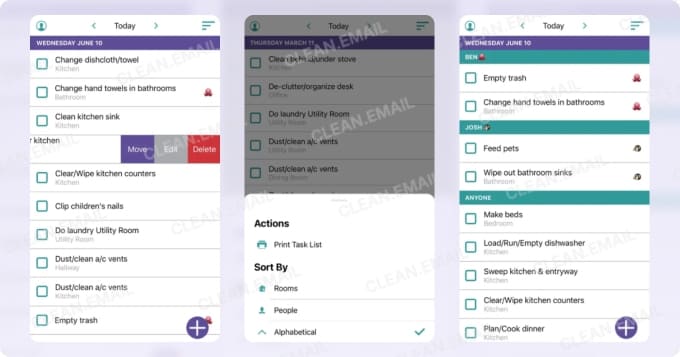
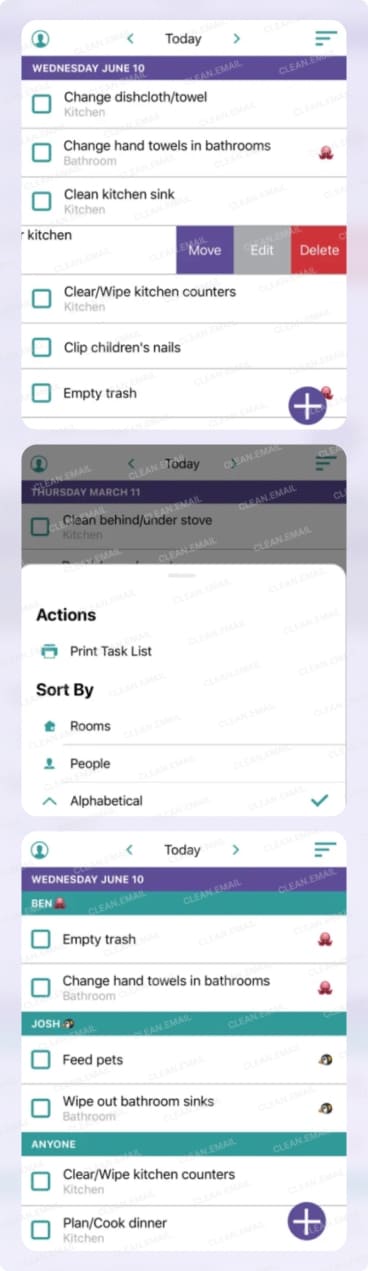
The app supports syncing across household devices, allowing households to check off tasks and stay on track together. It’s a great tool for anyone looking to keep their home tidy and maintain a routine.
Tidy Up Digitally
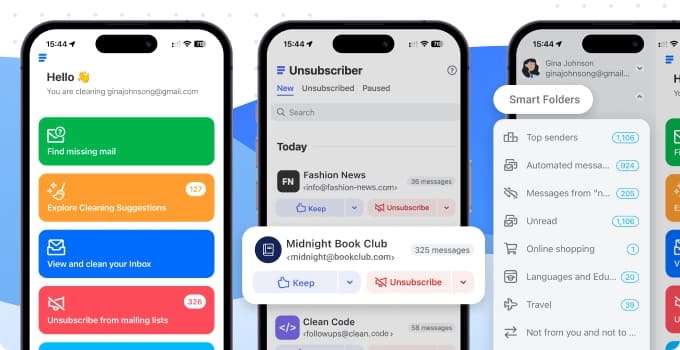
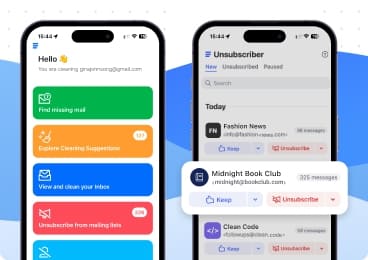
Clean Email is an all-in-one email management app designed to organize and declutter your email inbox. It offers powerful features like automatic email categorization, smart filters, and the ability to unsubscribe from unwanted newsletters or promotional emails. It is available on the web, Mac, Android and as a declutter app for iPhone.
Its Unsubscriber tool quickly removes you from mailing lists and declutters your email inbox, while its Auto Clean feature automatically applies user-defined rules to incoming messages like subscription emails.
Cross-platform syncing allows access from any device, making it a versatile tool for maintaining a clean, organized inbox wherever you are.
📌 Beyond your inbox, digital decluttering can also include removing unused apps, managing photo storage with tools like Photo Cleaner, and organizing browser tabs or bookmarks.
Quick Tips for Getting into a Decluttering Mindset
While the best decluttering apps for beginners can help you eliminate clutter, decluttering is also a mindset. Developing a decluttering mindset makes it easier for you to treat cleaning up as part of your daily routine.
Here are some tips to help you approach decluttering as something more than a chore:
- Try the 2-minute rule: Start decluttering in small daily actions (e.g., archiving one photo or unsubscribing from a single email list). This prevents you from being overwhelmed and reduces the risk of small tasks piling up.
- Do beginner-friendly routines: Don’t immediately do a full home overhaul right away. Start small, celebrate progress, and make sure that you train yourself to be consistent. Small wins help reduce stress and increase mental clarity.
- Be fine with failure: Sometimes life gets in the way. Don’t push yourself to declutter if it really isn’t possible—we all have days when we’re too exhausted from work or we’re sick. Rest and try again tomorrow.
- Set a time to declutter: Decluttering can take up a surprising amount of time and effort, whether you’re tackling physical clutter or trying to stop digital hoarding. If you’ve got a lot to sort through, set aside uninterrupted time (like a weekend) to just focus on cleaning.
- Ask for help or tips: Clutter is something all of us must deal with. If you know someone who handles clutter better than you do or someone who practices digital minimalism, don’t be afraid to reach out and ask for help.
Don’t Let Clutter Take Over Your Daily Life
Clutter can seem overwhelming, but that’s only if it spirals out of control. Regularly using the best apps for decluttering can help you form consistent habits that stop clutter from piling up.
You don’t have to go all-in at once, either. Many of the apps we mentioned have free options or offer free trials. If they work for you, it’s easy to integrate them into your routine. The key is to just prioritize consistency.
Pick one app that fits your goal, commit for 2 weeks, and see how life changes. You may be pleasantly surprised at how easily clutter (whether it’s your house, your inbox, or your mind) can be managed.












