


Where Gmail Excels
Whether you’re wondering why Gmail is so widely-used or trying to decide between Outlook and Gmail, here are just a few reasons many people love Google’s email service.
Google Service Integration
Google does an excellent job of providing easy access from Gmail to its other applications like Calendar, Keep, and Tasks along with Docs, Sheets, and Slides. Additionally, it gives you convenient features like using an email to create an event, note, or task, inserting files directly from Drive, and attaching pictures right from Photos.

Cross-Platform Access
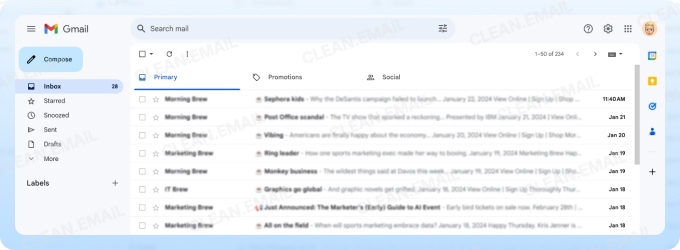
Another perk of using Gmail is that you can access your email from just about anywhere. Since Gmail is a web-based service, you can check your inbox from any browser on any computer.
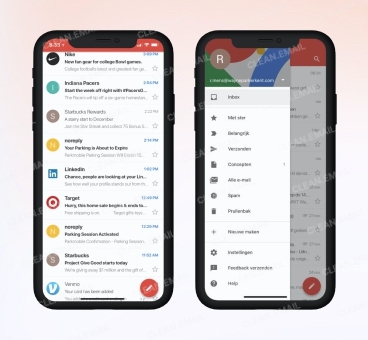
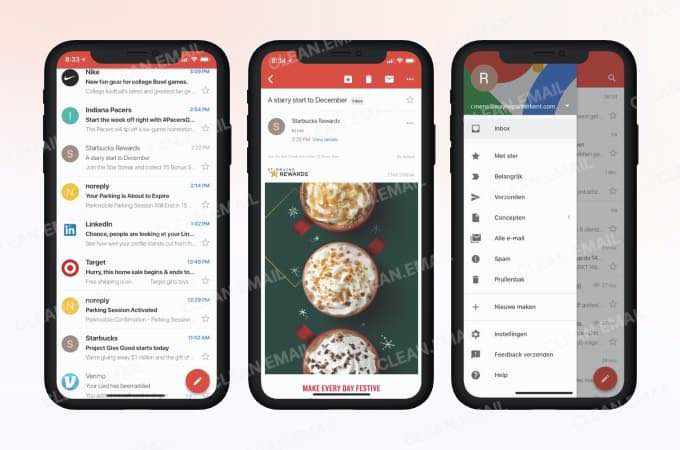
Plus, Gmail has mobile apps for Android, iPhone, and iPad for email management on-the-go.
User-Friendly Interface
Any email service you pick should be easy to use and this is another way that Gmail excels. You can choose the inbox view you see which gives you flexibility. The menu is quickly accessible while simple to hide for more inbox real estate.The toolbar lets you easily choose an action, and the Settings are clearly marked for adjustments to labels, filters, forwarding, and themes.
Useful Email and Inbox Features
Gmail provides super helpful features like Snooze, Undo Send, and Schedule Send along with smart features for writing suggestions, writing style personalization, and suggested replies. You can also create reusable templates for frequently composed messages and show availability from Calendar for setting up a time to meet.
Security Options
You can take advantage of several security features, including two-step verification, passkeys and security keys, Google prompts on multiple devices, a security activity log and alerts, and tips from the Security Checkup tool.
You also have a handy Security dashboard showing devices where you’re signed in, connections to third-party apps and services, and a password manager.
As far as inbox safety, Gmail provides spam filters and tools for reporting junk and phishing emails along with Confidential Mode for setting passcodes and expirations on outgoing messages.
Where Gmail Lacks
On the flip side of the coin, not everyone is a Gmail fan. After all, no email app or service is without fault. Here are some reasons that Gmail doesn’t work for everybody along with a recommended tool for bypassing those limitations.
Limited Free Storage
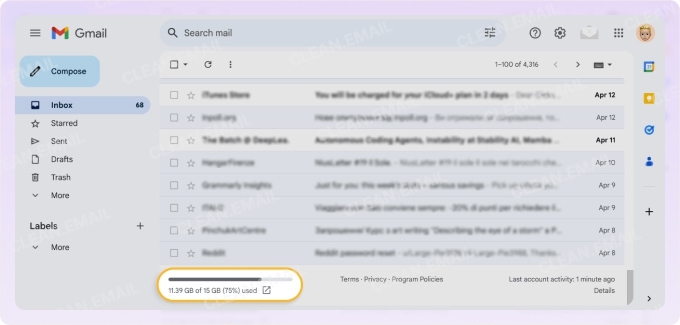
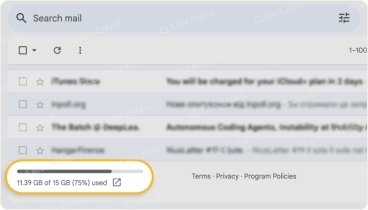
As with most free email accounts, there’s a limit on your storage, and with Gmail, you receive 15 GB. While in many cases this is sufficient, there are other situations where this simply isn’t enough. Of course, you can purchase additional storage for about $20 per year.
Privacy Concerns and Ads
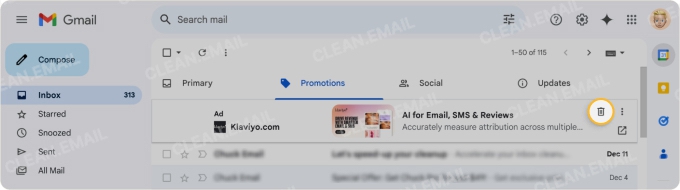
It’s no secret that Google collects data in order to provide personalized ads. However, that data collection can feel like an invasion of privacy as Google scans Gmail for usable information. And speaking of ads, those advertisements are also a con of using Gmail as they display right within the interface making them distracting as well as annoying.
Label vs Folder System
It feels like every other email service uses folders to organize messages. But Gmail uses labels. These work fine for organizing emails but can be confusing to those who are used to traditional systems.
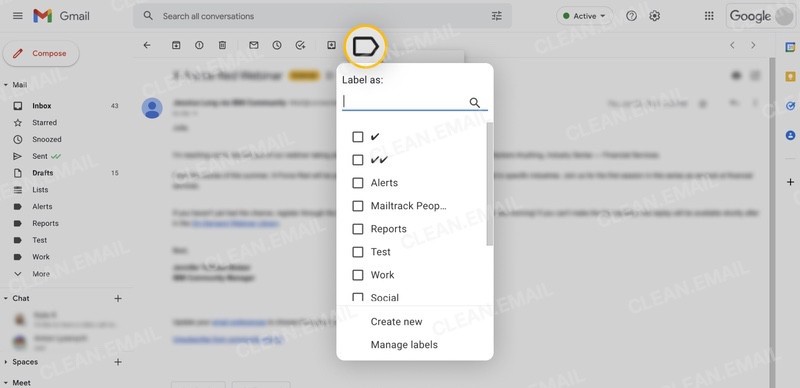
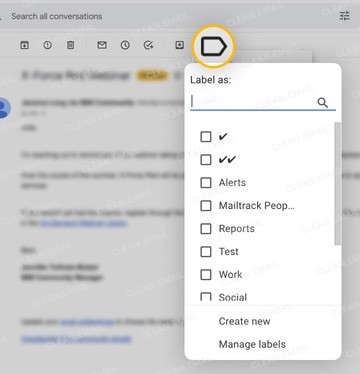
Additionally, Gmail doesn’t offer a dedicated Archive label/folder for easy access. This makes it challenging to search for emails you archive.
📌 To remedy this limitation, consider adding the Clean Email app to your toolbox, which provides a dedicated Archive folder right in the menu.
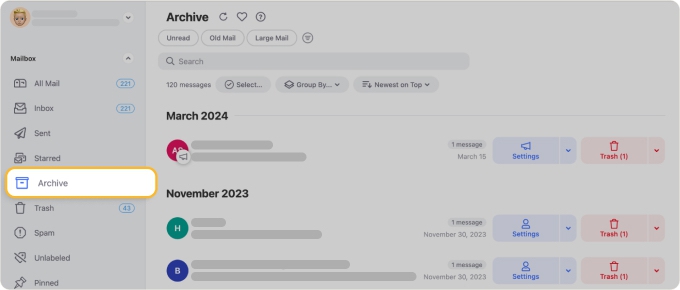
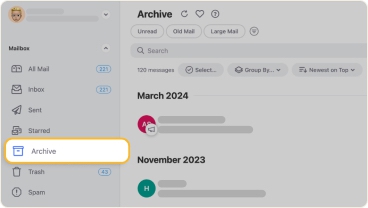
Best of all, Clean Email is available not only on the web and macOS, but also on mobile, allowing you to manage your Gmail inbox from anywhere.
Google Dependency
While integration with Google services is a pro of Gmail, it can also be considered a con. Dependency on using Google for emails, documents, spreadsheets, notes, and storing files can be limiting, especially if you appreciate the advanced features of other applications like Microsoft Office.
Mobile App Limitations
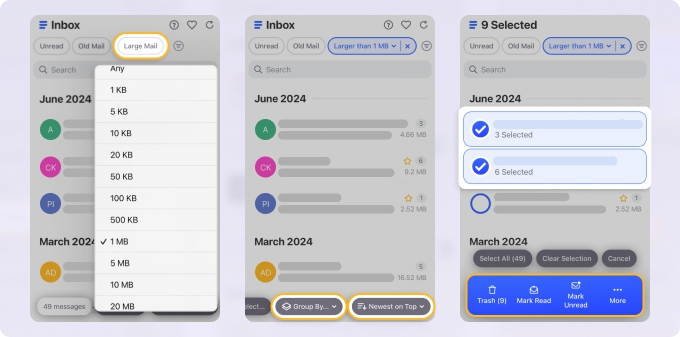
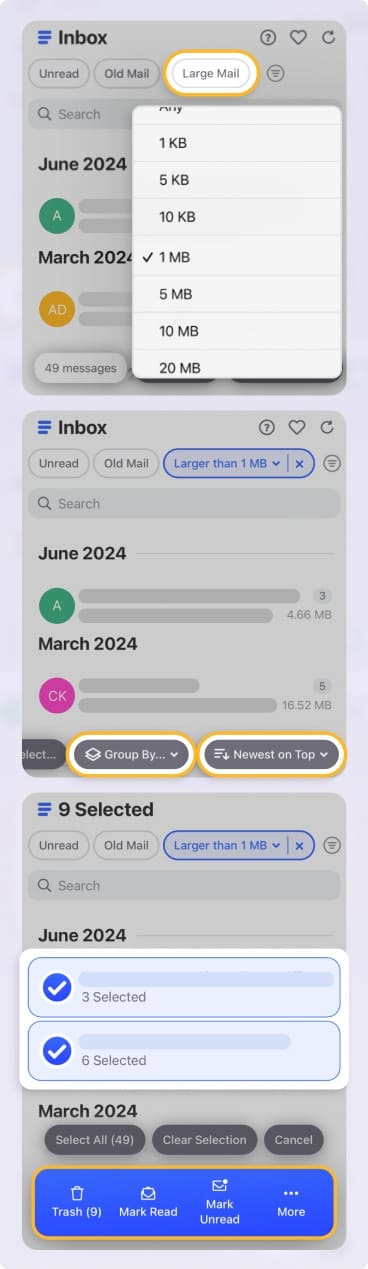
Unfortunately, not all features available on the web are available in the mobile app. And along with that, some things are just more cumbersome in Gmail on mobile. As examples, you cannot create or manage filters and must continuously scroll and load more emails to select for bulk actions.
📌 As an alternative to Gmail on mobile, you’ll be glad to know that Clean Email provides its entire feature set. Create and manage inbox rules, filter and easily select multiple or all emails for bulk actions, and use the other smart features and automations without limits!
Pros and Cons of Gmail for Business
Gmail isn’t just for individuals or personal accounts. If you’ve tried a free business email account and are wondering if Gmail may be a better option, here are the Gmail pros and cons for business.
👍🏼 Pros for business
Like accounts for individuals, companies can take advantage of the Google service integration, cross-platform access, and useful inbox features. But businesses (via Google Workspace) get extras that are essential for work email accounts.
- Branding and Customization: Create custom email addresses using your domain and add your company’s branding in email templates and layouts.
- Advanced Security: Turn off Google ads, create content and retention policies, manage denylists, enforce compliance footers, use advanced phishing and malware protection, and more.
- Collaboration: Use a shared mailbox, calendar, and storage drive for simple collaboration with team members.
- Admin Controls: Manage users and groups, control access, enable or disable services, configure and customize settings, implement security policies, monitor activity logs, manage allowed mobile devices, and more.
- More Storage: Business accounts receive from 30 GB up to 5 TB of storage space depending on the Google Workspace plan.
- Support: Receive 24/7 customer support for quick issue resolution.
👎🏼 Cons for business
Similar to the pros, some cons of Gmail for business match those of personal accounts. This includes labels versus folders, mobile app limitations, and the Google dependency. But there are a few additional disadvantages you should know.
- Subscription Cost: Ranges from $7 per month per user to $22 per month per user with subscriptions billed annually.
- Learning Curve: Setup and administration are not intuitive and can be overwhelming to new users.
- Less Advanced Than Desktop Apps: Dedicated desktop apps for business emails often provide more robust features as well as customization options than those that require a web browser.
- Email Sending Limits: 2,000 per day per user with 1,500 for mail merge and 100 recipients per message or 500 recipients with Gmail API.
Final Thoughts
You’ve likely seen your share of Gmail reviews with pros and cons. So, hopefully what we’ve assembled here helps you to decide whether or not a Gmail account is right for you or your business.












